

Most businesses in trades and construction still pay vendors by writing checks.
Not necessarily because they haven’t heard of a better way or because they don’t want to modernize, but because it brings control.
Often, the people running finance at these businesses learned a long time ago that manual control is the best way to ensure nothing goes wrong. It gets the vendor paid: the AP clerk enters every bill detail manually in QuickBooks, the business owner reviews every invoice and payment, and someone presses “Pay” or mails the check when the time is right.
These human controls make sense in an industry where cash flow is tight and margins are thin. You don’t take chances with payments, so manual review feels like the only way to guarantee paying the right amount to the right vendor, at the right time.
But the cost of working this way is really high. Manual processes are error-prone, especially when your business handles dozens, if not hundreds, of invoices monthly. A wrong amount, a duplicate payment, a vendor paid from the wrong account. And because every invoice requires manual entry, chasing approvals, and reconciliation, the time adds up: research says the average cost to process a single invoice at $12.88, while businesses with strong automation bring that down to $2.68.
We know there’s a better way. One that keeps the control and reliability your team has built into this process and removes the hours of tedious work behind it.
For this reason, we’ve reimagined every step of the AP process and built something designed to save you time. And it’s now in the the same platform you use to manage your fuel and corporate card expenses.
Introducing Coast Bill Pay.
Invoice capture: bills in your inbox, already in Coast
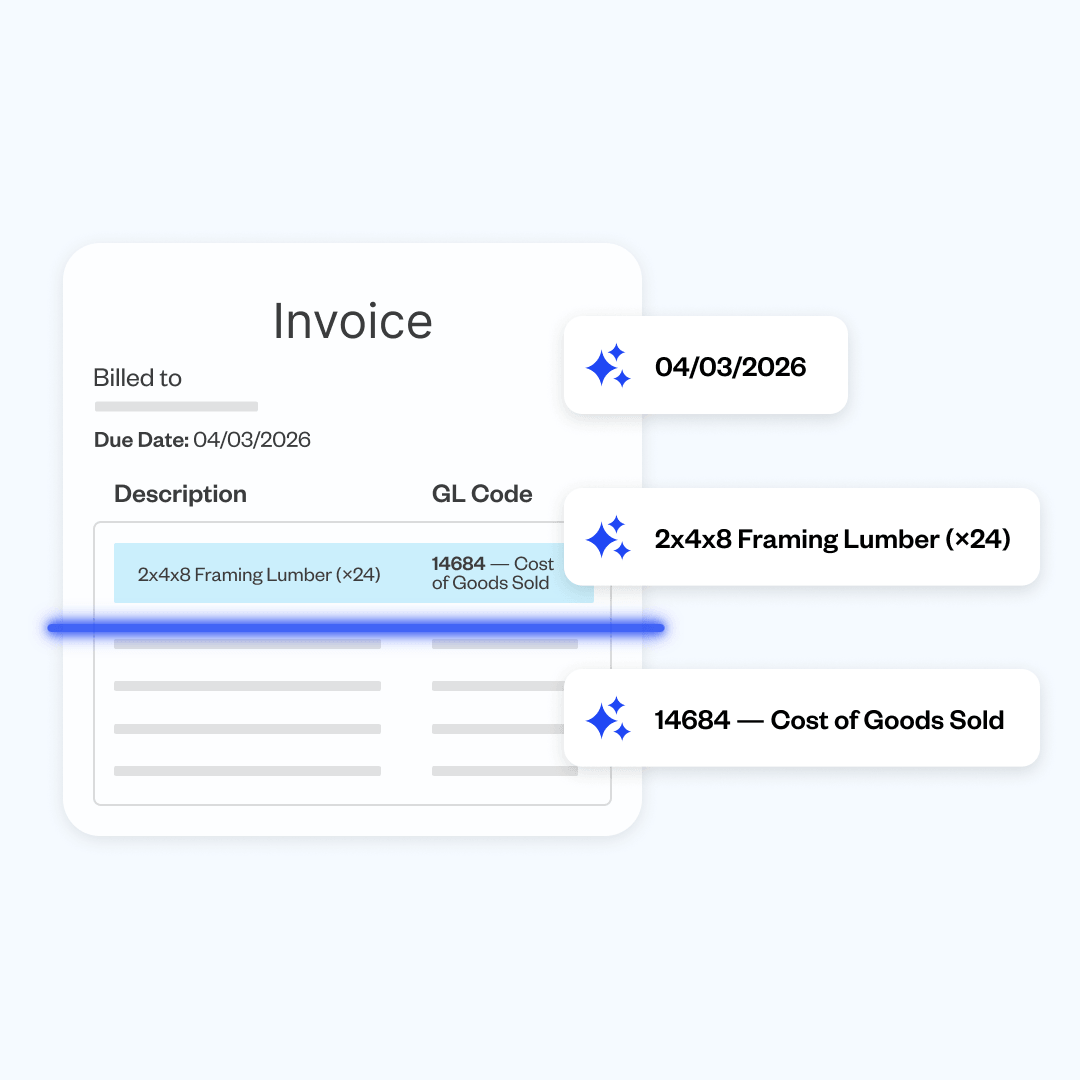
Right now, someone on your team opens invoices one by one and types the vendor name, amount, due date, and GL code into QuickBooks. For a business processing hundreds of invoices a month, that’s hours of work every week, with the added risk of errors.
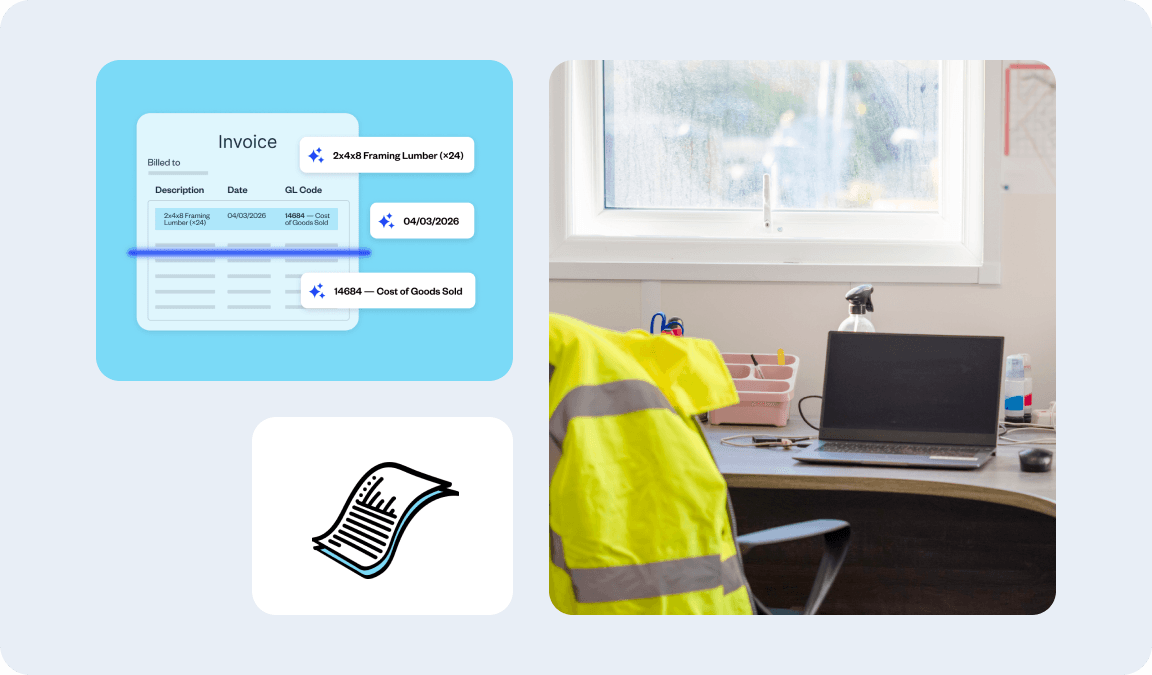
Connect your AP inbox to Coast once. After that, every invoice that arrives gets pulled in automatically. Our AI reads each one and captures the vendor, amount, and due date, so bills arrive in Coast already scanned and ready to approve. Nobody needs to type a thing.
Approvals: routed, not chased
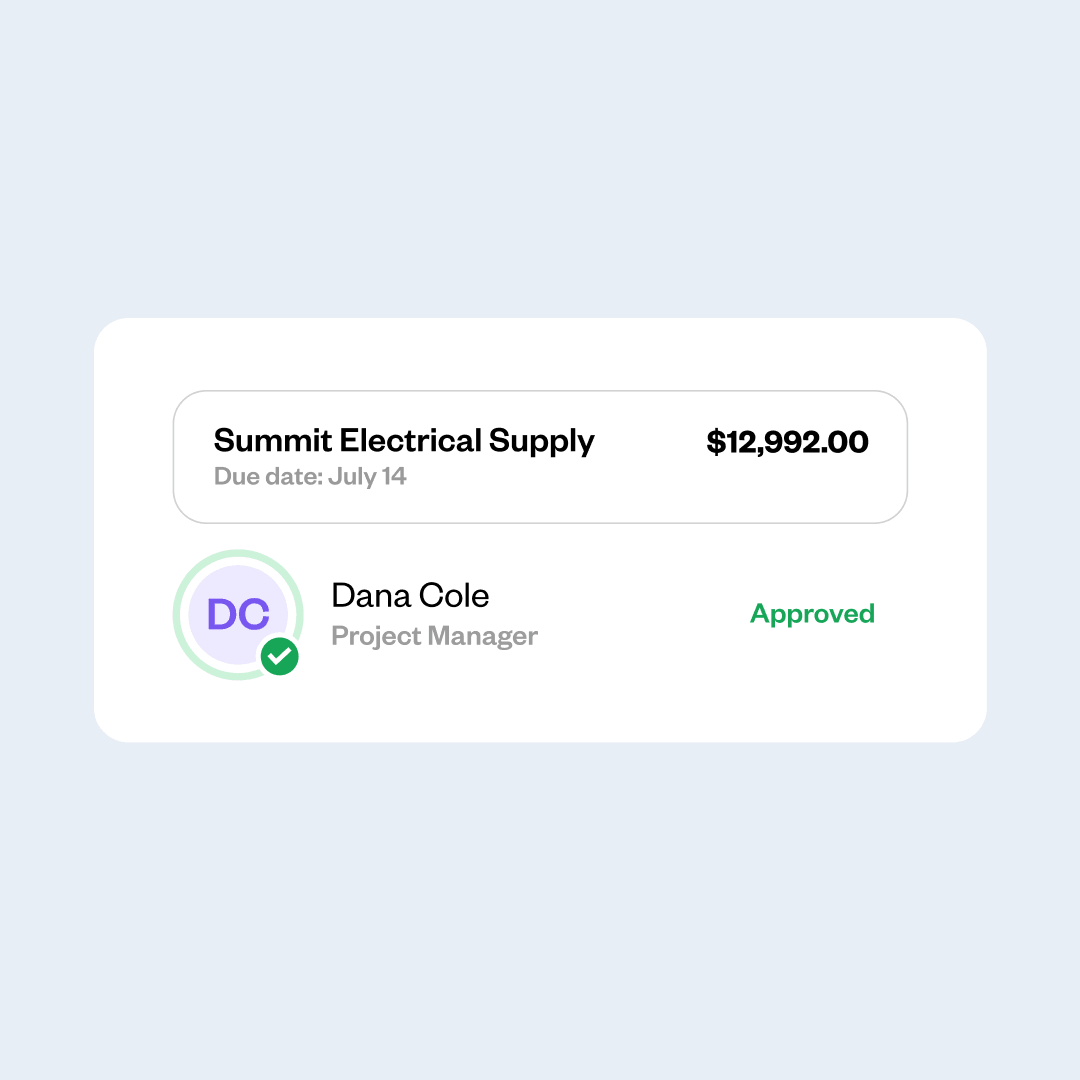
The most common AP approval process in the trades: someone prints a check for the owner to sign, the owner is on a job site, the check waits on the desk for three days, someone follows up, and eventually it gets signed. This is slow and tedious.
Coast routes each bill to the right approver automatically. Payment releases only when every sign-off is collected. Nothing slips through, and nobody is hunting down a signature over text or losing track of what still needs to be paid. You can then pay with your preferred payment method: ACH, check, card, or wire.
QBO sync: one click, books up to date
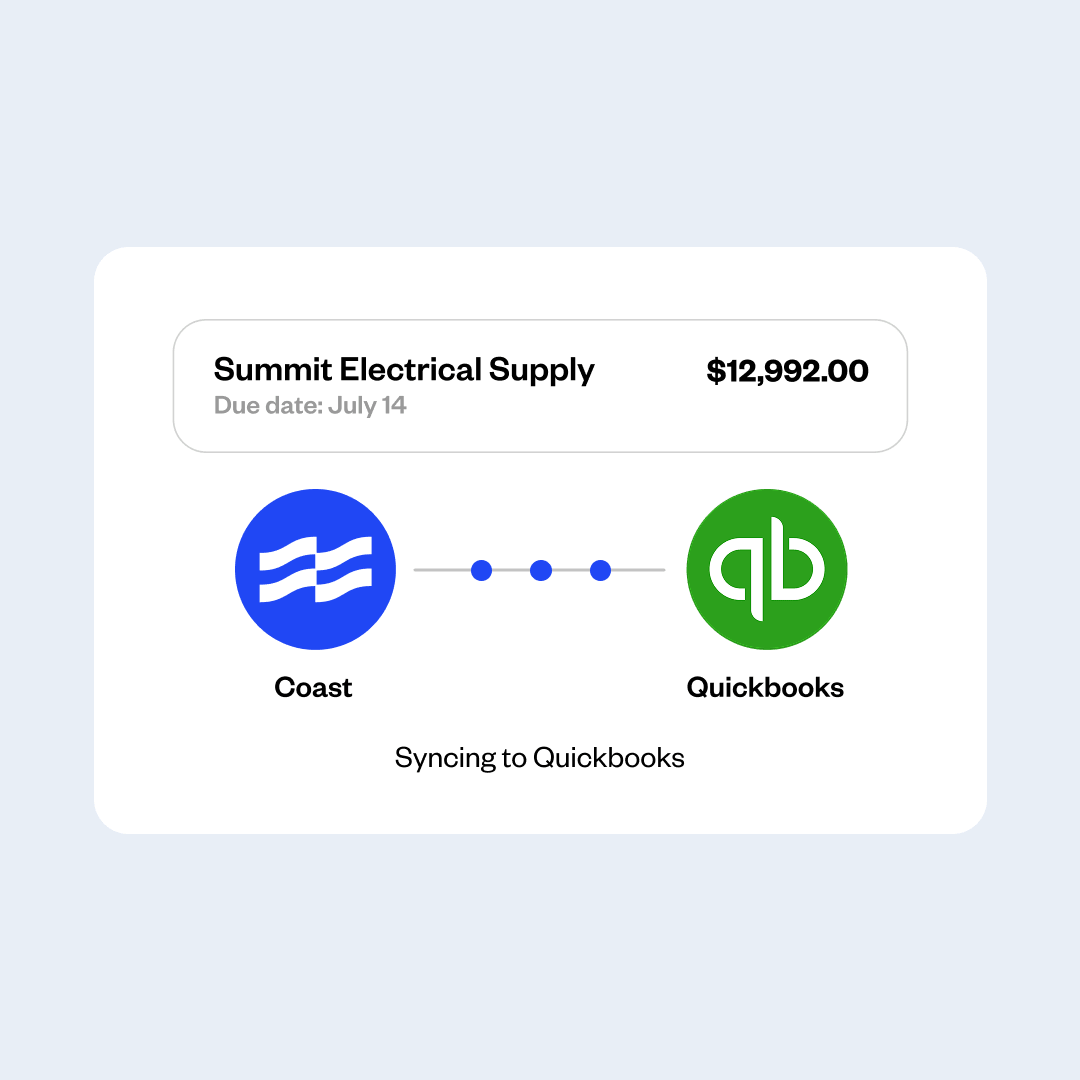
The accounting step is where most time gets lost. Someone enters the invoice manually into QuickBooks, including all line-item details. Then it has to be updated again every time the status changes—paid, partially paid, reconciled.
With Coast, the sync happens automatically. Invoice details flow into QuickBooks with every line item already coded. When the status changes, it updates with a click. No manual entry, no month-end catch-up.
Every dollar your business spends, in one place
Trades and construction businesses move money fast—fuel, subcontractors, materials, equipment—and the finance teams managing that spend are small.
Every dollar matters, and right now most of it lives in different places: fuel purchases with the fuel card, employee expenses with the corporate card, vendor payments in an entirely new process. There is no single view of where the money actually goes.
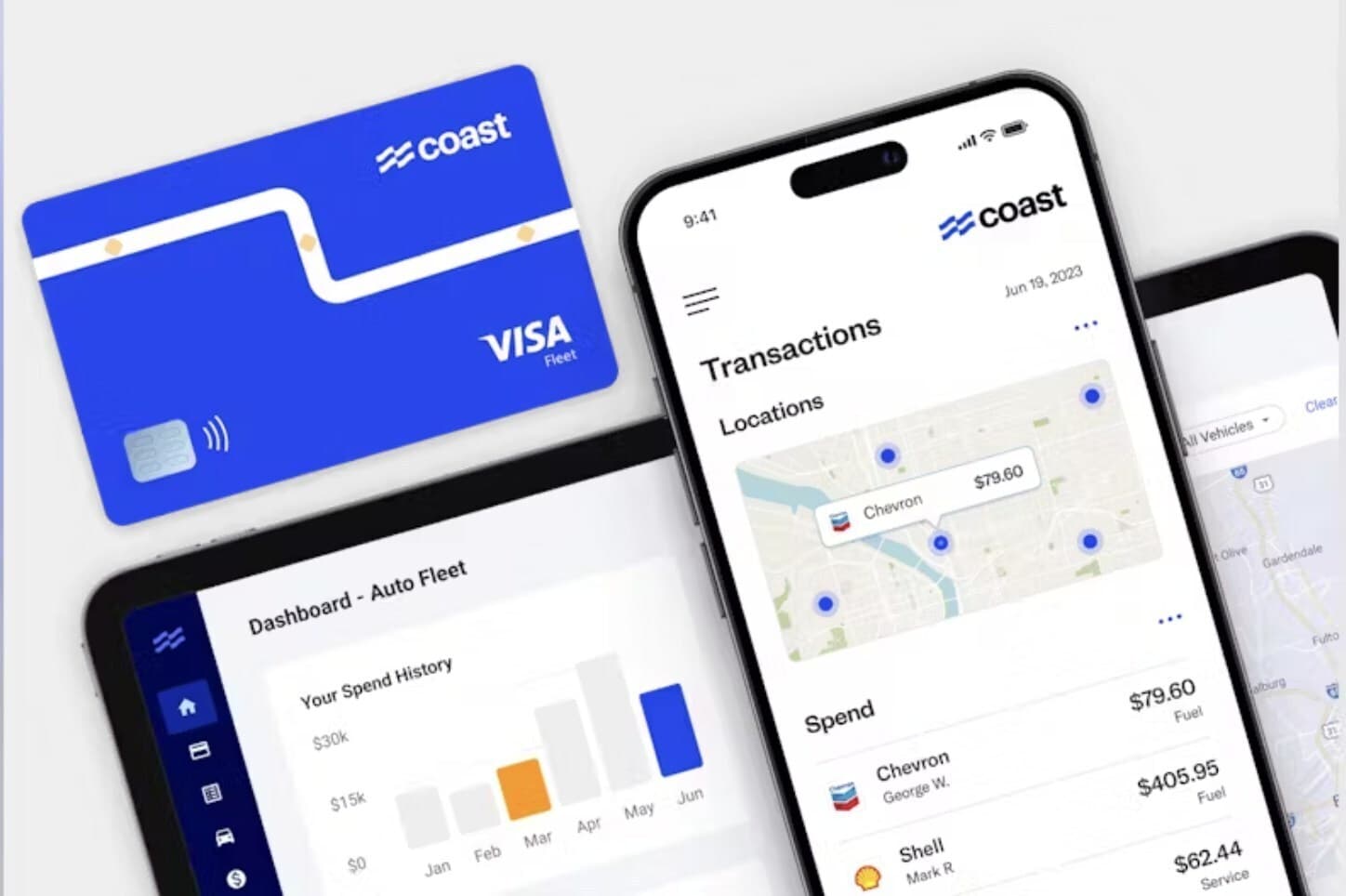
When you move to Coast, you can now consolidate everything your business spends. Fleet spend. Corporate cards. Vendor payments. All in one dashboard, one QuickBooks sync, one place to see what the business is actually spending, across every category, in real time.
For trades and construction businesses specifically, this matters more than anywhere else. Having everything in one place means more control, convenience, and visibility.
Bill Pay is now available to all Coast customers
Starting today, Bill Pay is open to all Coast customers. Check the Bill Pay section in your Coast account to get started, or reach out to your account manager.